Main modules
> Items
> The items detail view
> Accessories
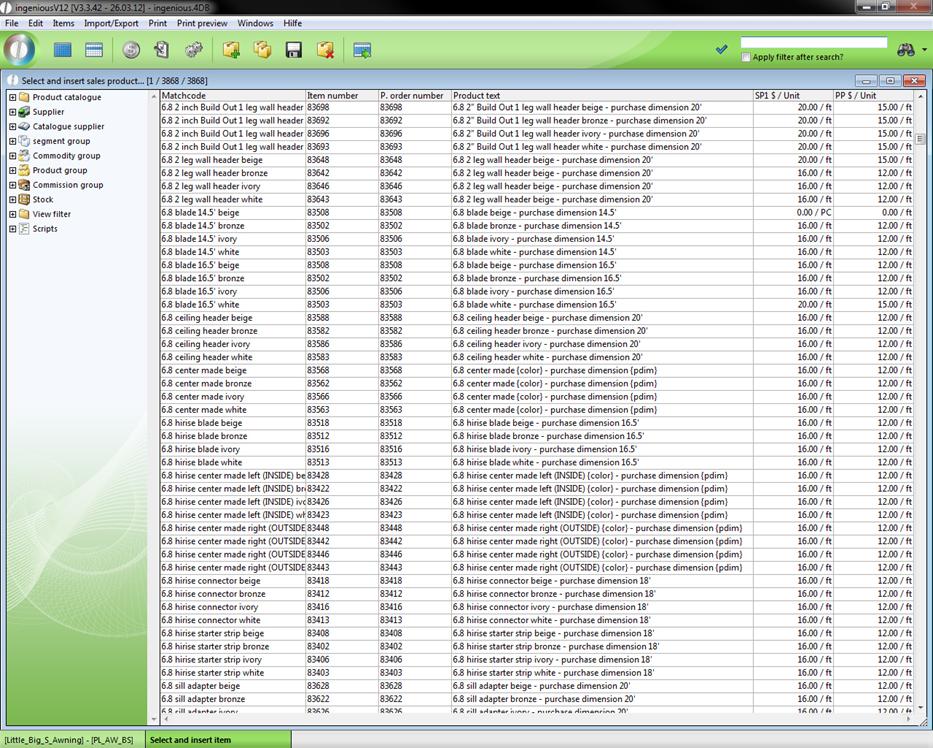
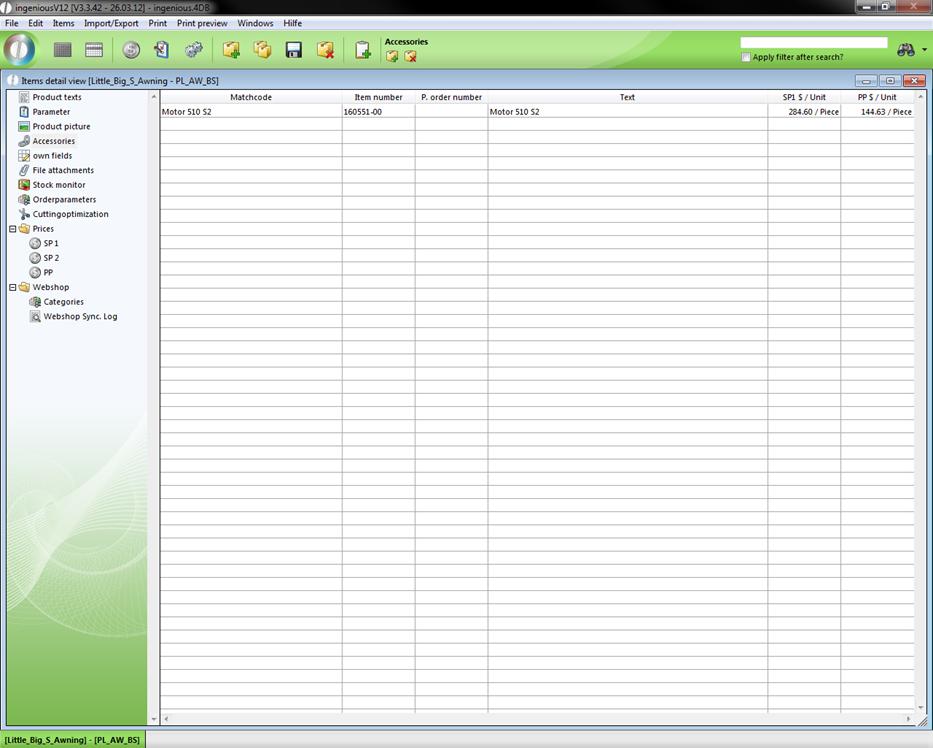
In “Accessories” you can add available accessories to an item. A click on the icon will open up the item list, where you can choose the accessory items.
With a double click you add the selected item to the accessory list.
 will open up the item list, where you can choose the accessory items.