In the “Contacts” field, define the standard settings, which every client receives with a new installation. Individual changes can be made later for each contact.
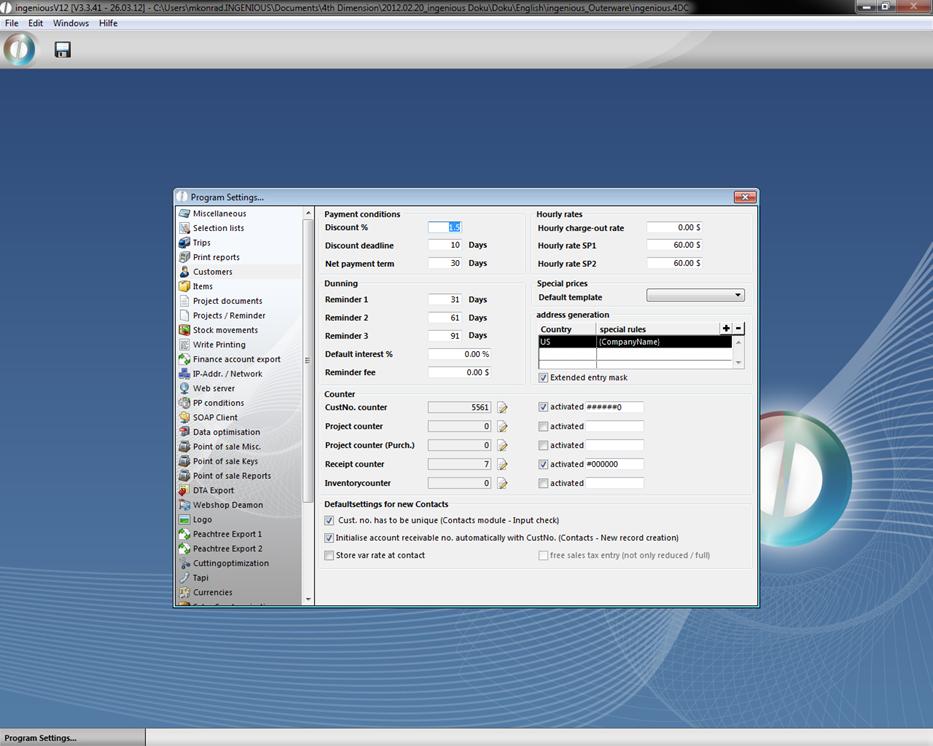
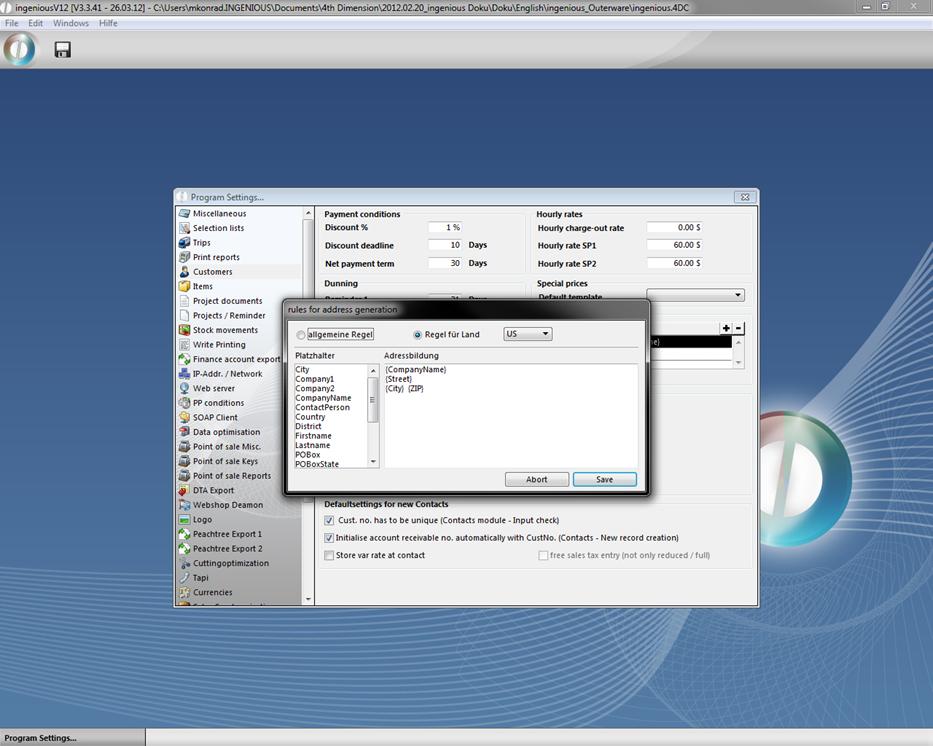
Here you can establish the default settings for payment conditions, hourly rates and reminders. The field “address generation” gives you the possibility to consider characteristics that are specific for each country. With the  button, new address generation can be made. In the opening window, the respective country will be selected and the required address data is pulled into the right window using Drag & Drop.
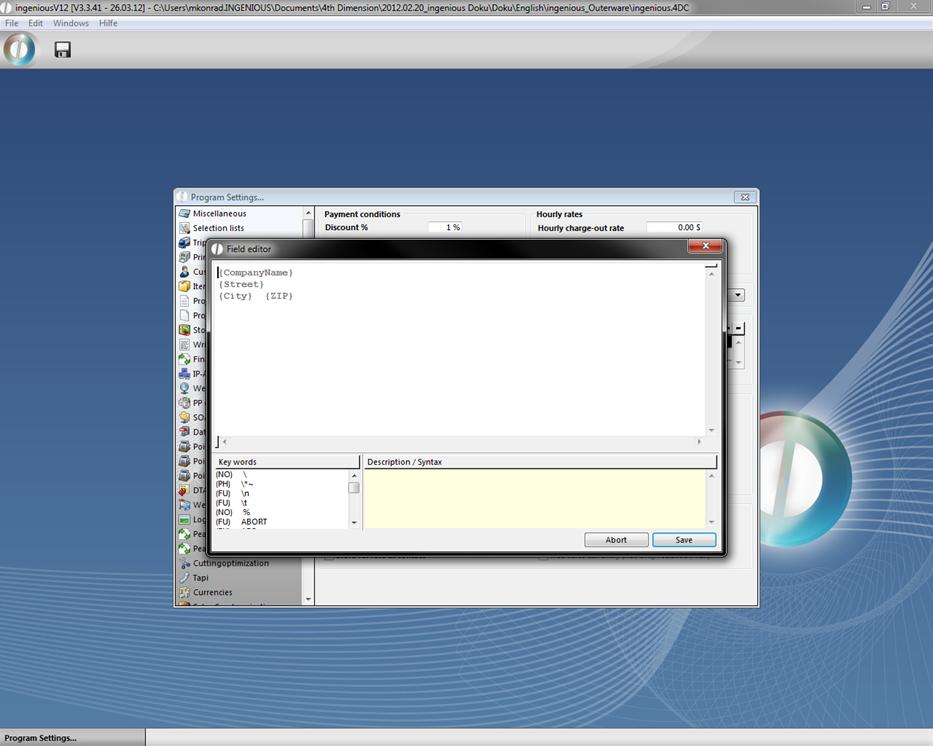
With the help of the field editor (⇧ + F2) the address line can be formatted appropriately.
In the “Counter” field for example, you can activate the client counter and establish a level where the counter automatically counts. Should a client be deleted, the counter can be reset.
In case the numbers of the clients are remitted manually, it would be helpful to activate the option “Client number must be non-recurring”. In this way, you can avoid a double entry. Activation of the option “Automatically initialize the proceeds account number with the client number” is helpful when the client number and the debtor account numbers are linked in order to avoid a double entry.