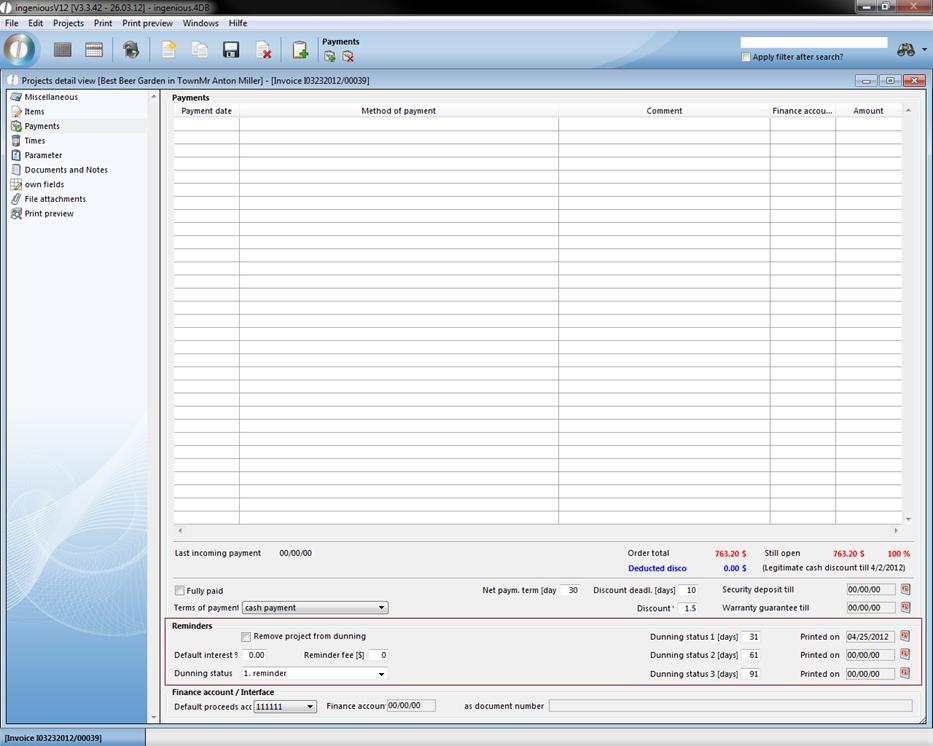
The “Payments” detail view is only available in the project documents, order confirmation, invoices and credits. In this column, you can see if and in which amount the customer made payments, or which balance of debt still exists.
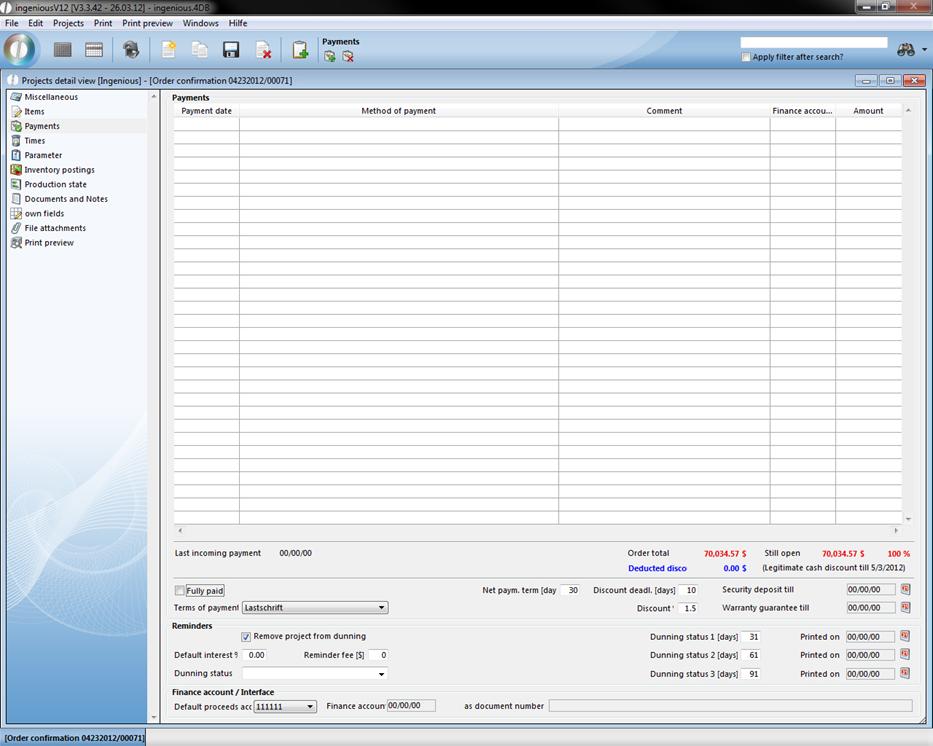
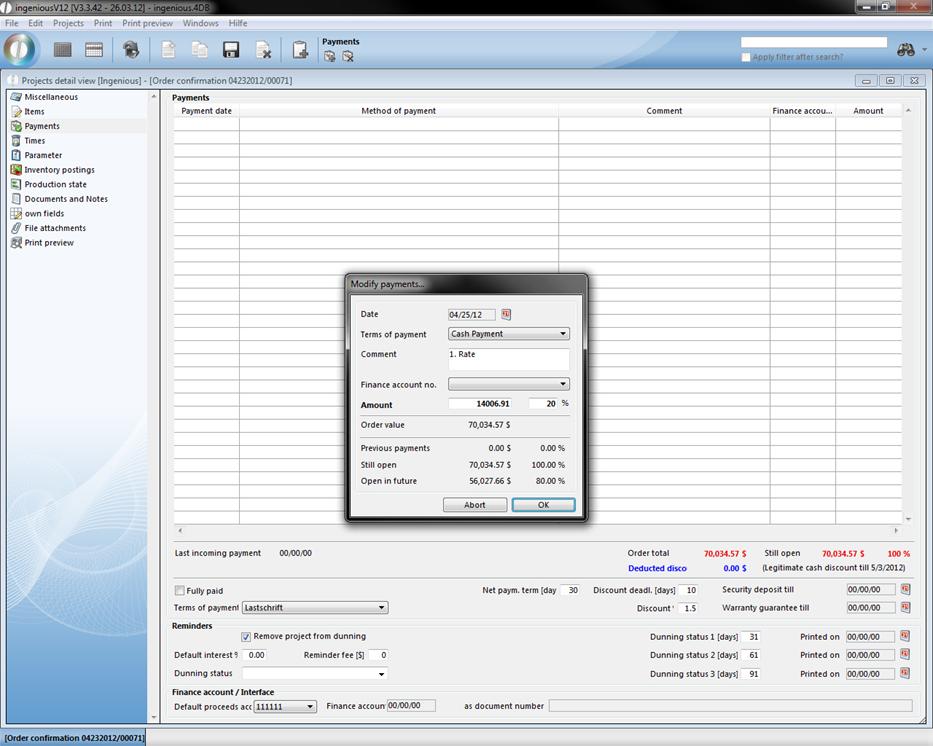
When you create a new payment with the  button, the window “Modify payments” opens. Here you can enter comments about a payment in the “Comments” field.
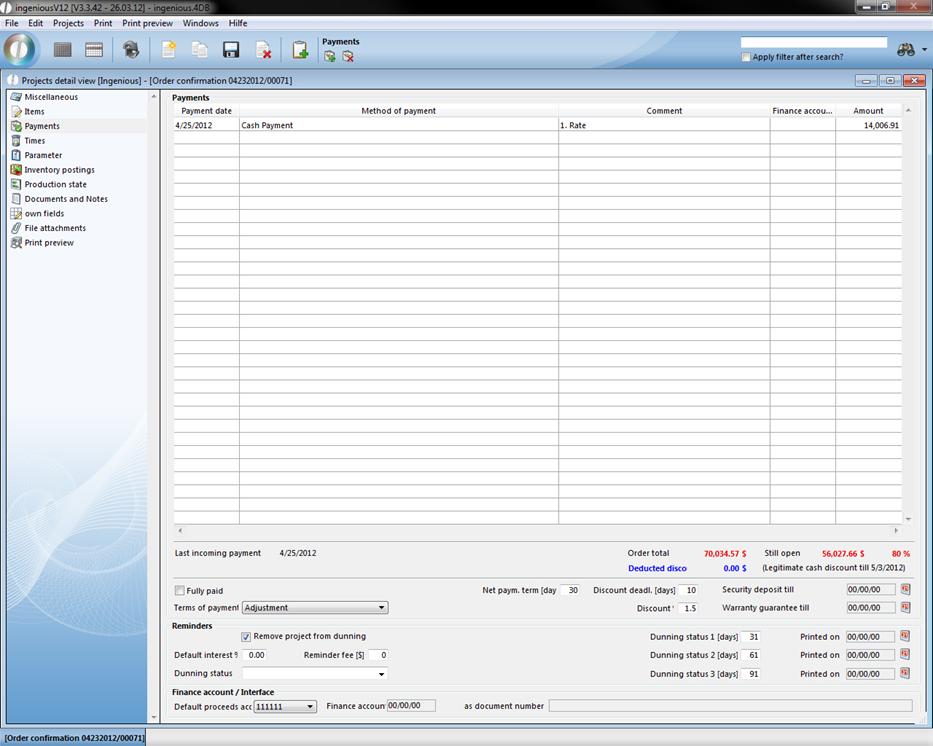
In the lower part of the view, you will see the amounts that are still open and the reminder status. If the invoice is completely paid or if only a security deposit is open, then mark the small box “Paid in full”. With an indicated security deposit date, you are automatically asked whether this amount is a security deposit. In the field, “Guarantee endorsement to”, the date is selected for when the endorsed security deposit should be released through the deed transfer as well as for when it should be reclaimed. The date for the security deposit is then automatically deleted and the amount is marked as open. This amount can then be requested with the normal reminder procedure.
In the field “Terms of payment”, you have the choice between different payment options. You can define these payment options in “Program settings” in the column, “Selection lists” with the module entry “Contacts”.
Dunnings
In the reminders area, you can setup after how many days the first, second and third reminder is due, and which fees or interest are due.
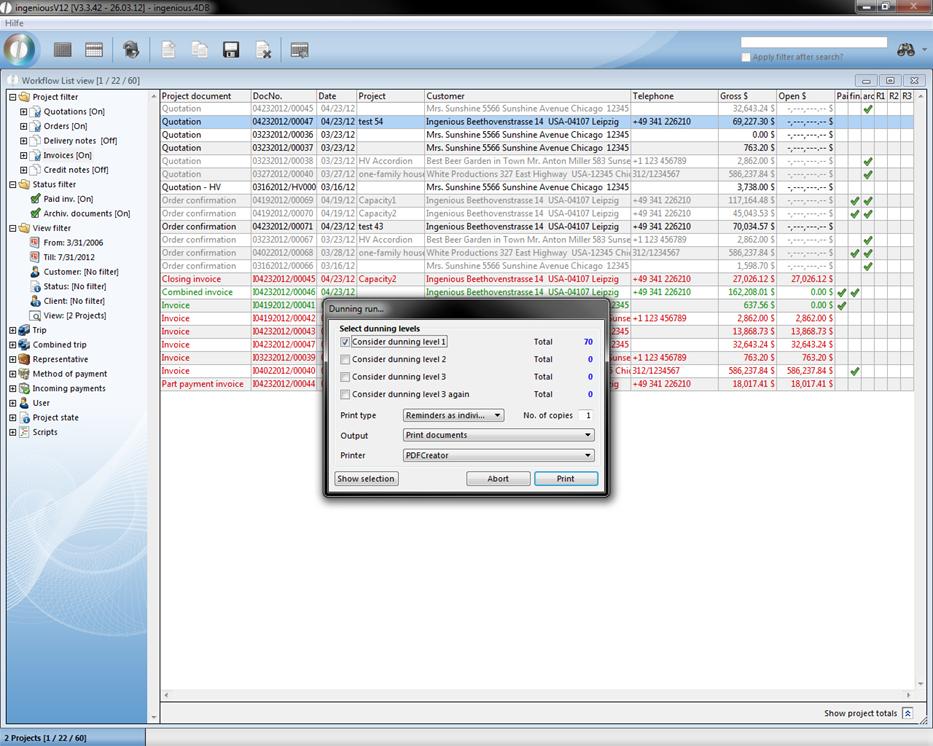
You can set up all past due invoices in the list view with a few steps in one print run. Select the menu option, “Print/Workflow – Print dunning run & reminders”.
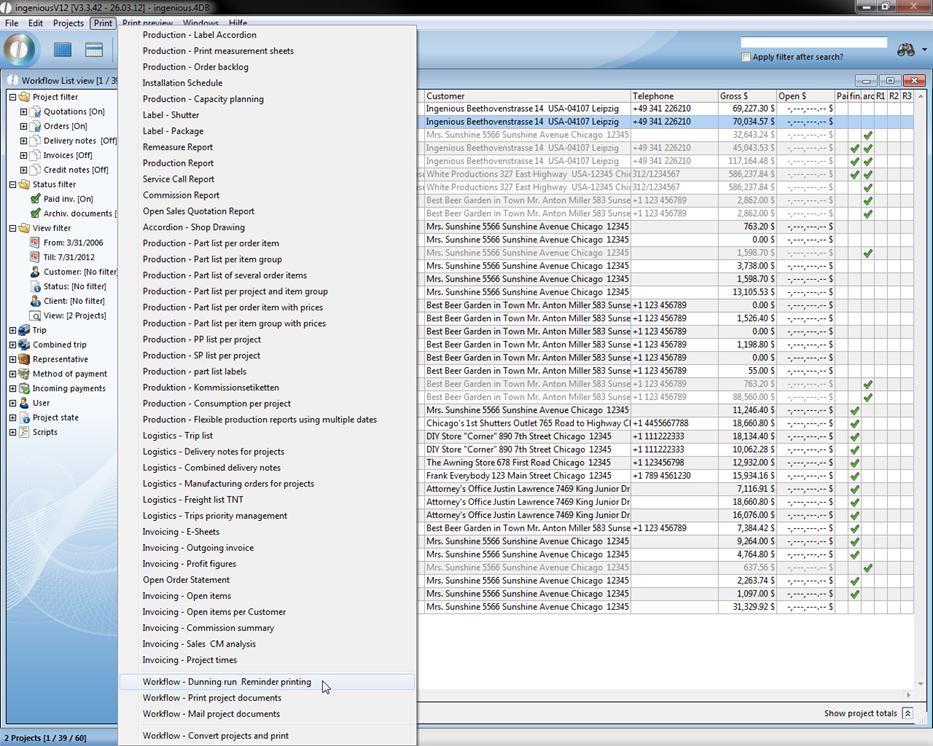
Now select which reminders should be included and how many copies of the document you would like printed on the selected printer.
After the reminder run, the current reminder stage and the print date appear in the respective project detail view.
In the area, “Financial accounting/Interface”, it is evident whether the project document was already exported with the Finance Account Data Manager in the administrative tool “Accounting”. The export date and the newly created export file are then indicated.