Undisputedly, the price belongs to the most important data that you can save to an item. In Ingenious.V12, the three price columns are organized under “Prices” according to “SP 1”, “SP 2” and “PP” for clarification reasons.
SP 1
The “SP 1” (= selling price 1) forms the most important quotation aside form “PP” (= purchase price). In the column with the same name, you can of course give the price and price-specific data to the product.
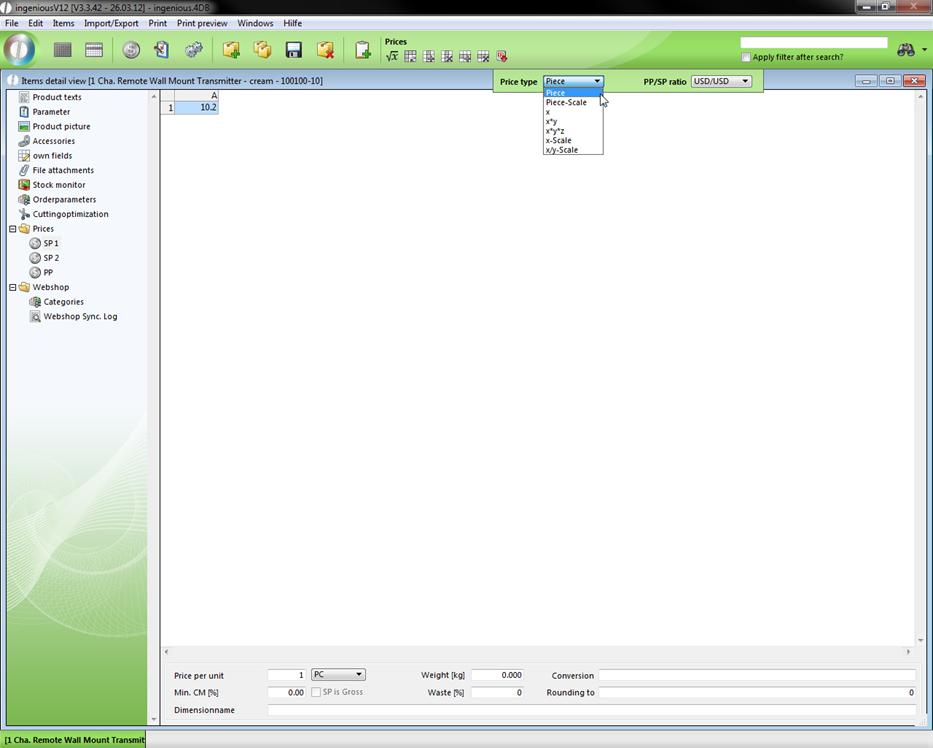
So you can see for example the “Price type” and the “PP/SP ratio”, when you click on  . In the lower part of this column you will still find other numerous input and selection fields, with which price settings can likewise be updated. These settings also completely apply to the “SP2” and partially to the “PP”. For a better understanding a marked illustration follows:
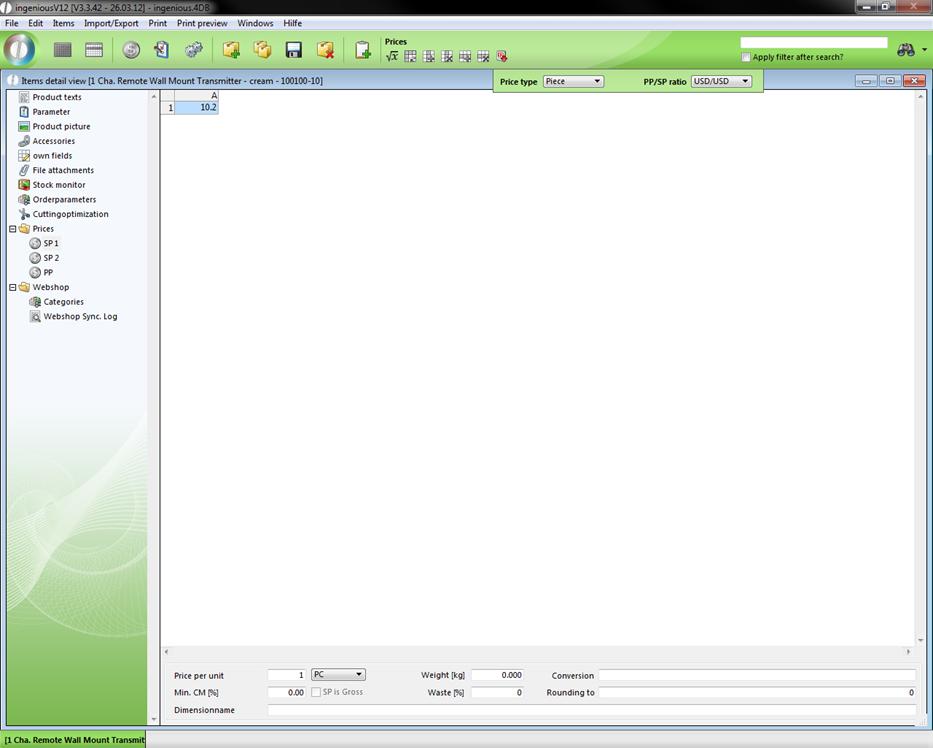
More fields in the SP 1 column
(1)Indication of the unit for the price calculation, ex.: 1m
(2)Sales price is gross
(3)Conversion = Possibility to convert the included price, i.e. with premiums or rebates; Numbers with readjustments” % will be added by percentage, without,, “%” as fixed premiums
Example:
-10% (Reduce price by 10 percent)
10% 5% (Add 10 percent to the price and after another 5 percent),
-5% 3.5 (First take 5 percent from the price and then add 3.50 €)
(4)Determining of the rounding parameters
Example:
0.50 (Always round to 50 cents)
1.00 (Always round to total 1,-€)
20 (Always round to 20 €)
(5)Weight of a production unit (Piece, m, sqm) in kg
Example: 0.10 (= 100 g)
(6)The indication concerning the cut (in particular with longitudinal items); serves the inventory, even if the cut is to be considered in the purchase price. Then an additional entry is necessary in the field “Conversion” in the column “PP” (this is automatically created during the entry of a cut)
Example:
2 (2% of the unit is lost during the cut)
(7)Specify the minimum amount covered = minimum amount covered, which must be achieved for the product, in a percentage; the shortage is reported to the position registration in the contract
Example:
20 (20 percent profit margin)
(8)Entry of the measurement reference, Example: Length
SP 2
The “SP 2” is an alternative sales price. It can be used just like the “SP 1”. As in the columns “PP” and “SP 1”, a tool bar is also located over the table for the price entry. It is only completely available however if “X/Y scale” is set up (partly at “X scale”) at the price type.
An overview for the explanation of the tools is as follows:
 Open a window with which you can automatically fill the price table (Matrix).
 Exchange the X/Y values with each other.
 Enter a new column in the price table to the left of the marked cell(s).
 Remove the current column.
 Enter a new row over the marked cell(s).
 Remove the marked row from the price table.
PP
The setup possibilities in the column, “PP” are (as long as available) identical with those of the column, “SP 1”.